
If you’re curious about remaking your photos or videos using smart AI, Remaker AI might already be on your radar. I’ll walk you through this tool like I’m talking to a friend, easy, honest, and practical ,so you know exactly what to expect.
What Is Remaker AI?
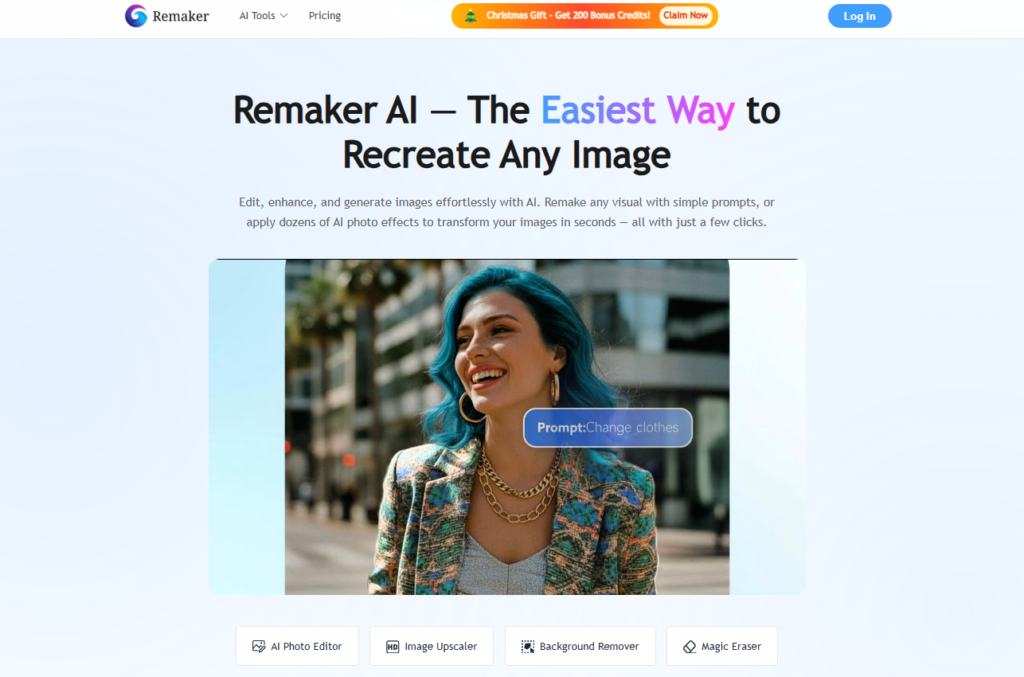
Imagine editing photos and videos without complicated tools or hours of practice. That’s exactly what Remaker AI helps you do. It’s an online AI-powered creative platform that lets you edit, enhance, generate, and transform visual content, from fun face swaps to high-quality image enhancements, without needing tech skills.
Whether you want to turn text into visuals, remove backgrounds, upscale old photos, or remix your images creatively, Remaker AI puts these tools in one place. It’s designed for everyday creators, social media lovers, marketers, and small business owners who want quality visuals without a steep learning curve.
How to Use Remaker AI?
Getting started with Remaker AI is about as friendly as it gets , think of it like trying a new app with a buddy who shows you the ropes:
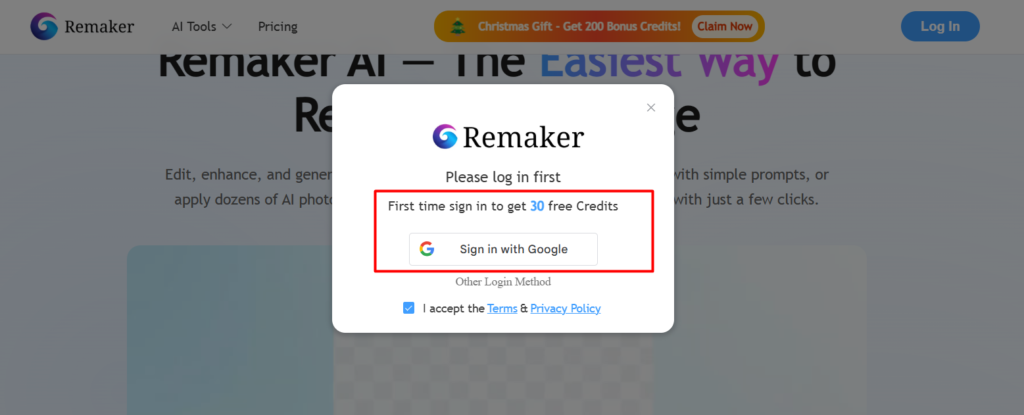
- Sign Up or Log In
Head over to the Remaker AI site and create a free account (you usually get some free credits to try it out)
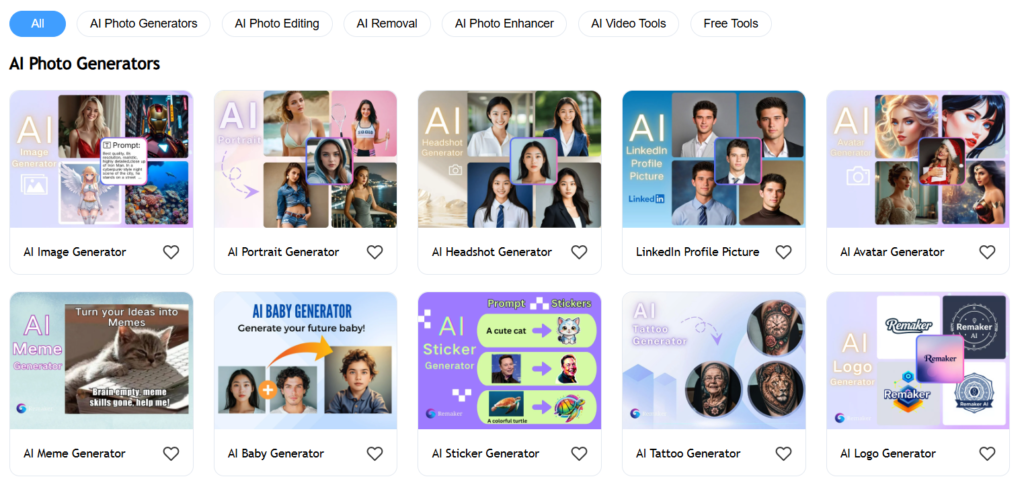
- Pick a Tool
You’ll see a menu of AI features like face swap, image enhancer, background remover, or text-to-image. Just click what you need.
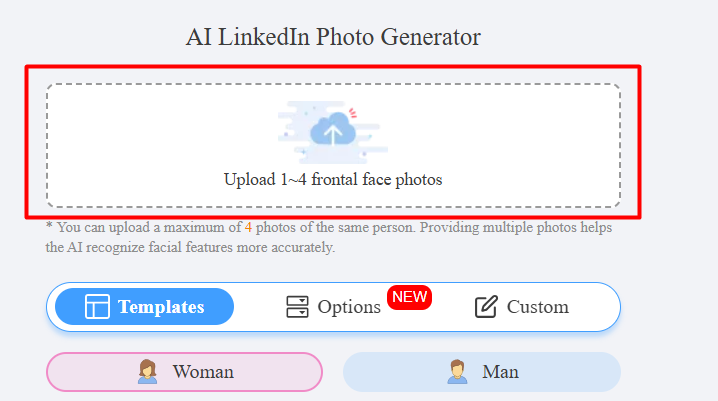
- Upload Your File or Enter a Prompt
For things like face swaps or upscaling, upload your photo/video. For AI image generation, type what you want to see in the image.
- Adjust Settings (If You Want)
Some tools let you tweak things like style, quality, or effect strength, but it’s usually smart enough to do a great job on its own. - Preview & Export
Once the AI finishes, preview your result and download it. You’re ready to share it with the world
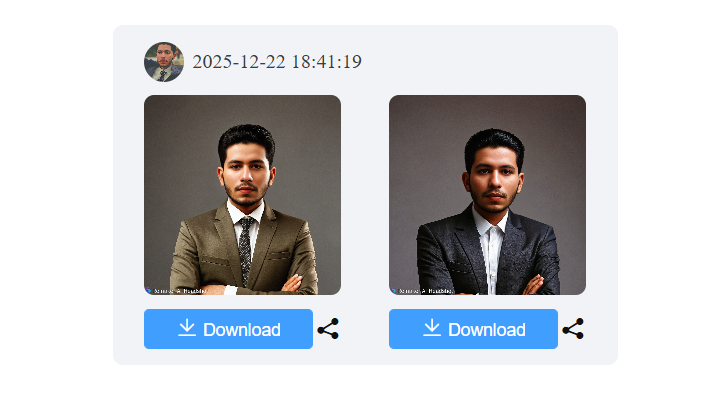
Key Features of Remaker AI
Here are the main things you’ll play with inside Remaker AI , explained in everyday language:
AI Face Swap
Switch faces in photos or videos without Photoshop. You upload two images and the tool blends one face onto another. Great for fun edits or social content.
AI Image Generator
Tell the AI what you want to see, like “sunset over mountains, and it creates that image for you. It’s a fun way to generate artwork or creative visuals.
Background Remover
Want that clean look without a messy background? This feature removes backgrounds instantly and downloads a transparent PNG with no watermark, even on the free plan.
Photo Enhancer & Upscaler
Bring blurry or old photos back to life. This boosts clarity, colors, and detail, think more sharply in seconds.
Image to Video Converter
Turn a static photo into a dynamic video with motion and transitions, perfect for social stories or presentations.
Creative Templates & Effects
Play with artistic styles, portrait filters, and fun effects without complicated editing steps.
Pricing
Here’s a simple look at Remaker AI’s credit-based system. Credits are how you pay for outputs like images and videos, and they never expire once bought.
| Plan Name | Price (Approx.) | Key Features | Best For |
| Free Plan | $0 (30 free credits) | Basic face swap, background removal | Trying the tool first |
| 150 Credits | $2.99 | Small jobs, fun edits | Casual users |
| 530 Credits (Most Popular) | $9.99 | More edits & effects | Frequent creators |
| 1100 Credits | $19.99 | Wider usage without running out | Power users |
| 3000 Credits | $49.99 | Bulk work & bigger projects | Social media content creators |
| 20,000 Credits | $299 | Maximum flexibility | Pros & businesses |
(Prices are approximate and can vary based on offers.)
Pros and Cons of Remaker AI
Here’s the honest scoop, straight up:
Pros
- Super easy, even if you’re new to AI tools.
- Wide range of tools in one place.
- Background removal with no watermark on free tools.
- Credits don’t expire; you use them when you’re ready.
Cons
- Some users report occasional glitches or inconsistencies.
- Reviews on TrustPilot show mixed trust scores around support or reliability.
- Video editing tools aren’t as strong as image editing.
6. Alternatives to Remaker AI
If you want to explore other options, here are a few worth checking out:
Midjourney
A very powerful image generator with artistic strength, but it’s more complex to use and usually runs through Discord.
Canva
This is an all-around graphic design tool with AI image features built in, great if you also want banners, layouts, and social posts.
Stable Diffusion
Open-source image creation that you can customize a lot, excellent for tech enthusiasts and developers.
Fotor
A straightforward photo editor with AI tools, simpler than full suites but solid for quick edits.
Picsart
A mobile-friendly editor with tons of templates and effects, especially convenient if you create on your phone.
Final Words
If you’re dipping your toes into creative AI for the first time or just want a tool that makes visuals fun and easy, Remaker AI does a lot of heavy lifting for you. You get a mix of practical editing tools and creative generators without needing advanced skills.
You’ll especially enjoy it if you love experimenting with photos for social media, want quick design help, or need a resource that’s friendly and low-pressure. Just go in with realistic expectations, it excels at user-friendly editing and creative tasks, but isn’t a full professional suite yet.
Overall, it’s worth trying, especially with free credits on signup, and it might become one of your go-to AI visual tools!

