
In this blog, we will review Heygen and get to know how it helps us in our fields.
What is HeyGen?
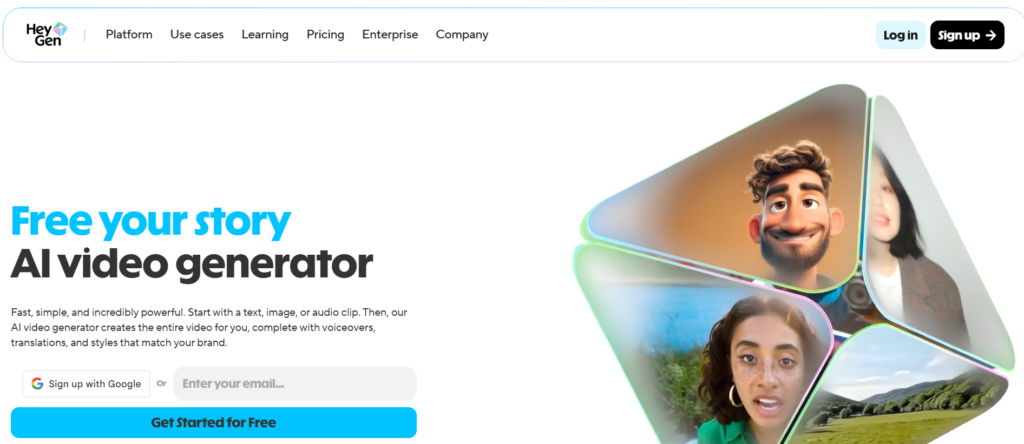
HeyGen is an AI-powered video creation platform that helps you turn text, images, or audio into polished videos, no camera, no complicated editing required. It uses realistic AI avatars (or lets you upload your own face/photo) along with voice synthesis or your own audio to produce videos.
Whether you’re a content creator, marketer, educator, or business owner, HeyGen can help you make explainer videos, social media clips, ads, tutorials, or even training and onboarding videos.
The idea is to let you skip the traditional video-shooting process , no cameras, no studio, just a script (or text/image/audio) and a few clicks.
How to Use HeyGen?
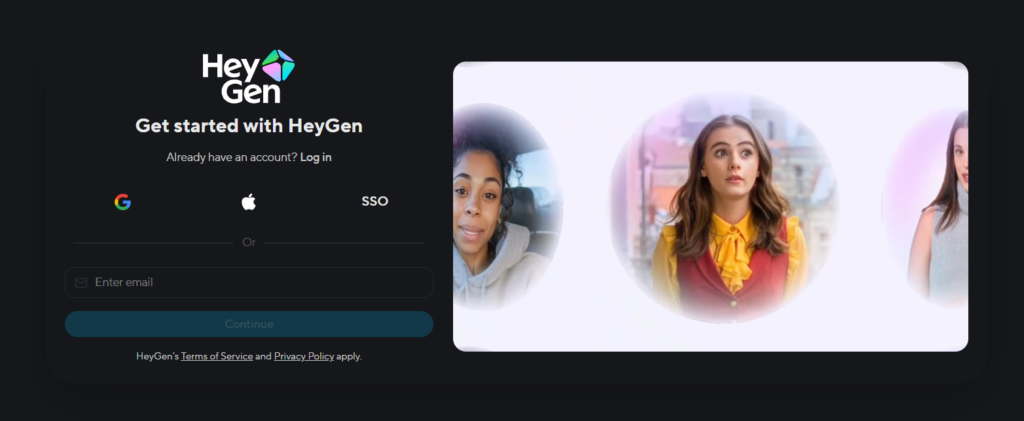
If you’re trying HeyGen for the first time, here’s how you’d generally go about it:
- Start by signing up (there’s a free plan).
- Create a new video: choose whether you want to use a pre-made AI avatar, upload a photo or video (for a custom avatar), or just work with a stock avatar.
- Input your content: you can type a script (text), upload audio, or select images. HeyGen will combine them with voice-over, lip-sync, background visuals, and avatar animation.
- Customize your video: choose voice style, language, background, and other settings (captions, subtitles, branding if needed).
- Generate and export: once you’re happy, let HeyGen build the video, then you can download or share.
It’s designed to feel effortless , ideal if you don’t have video editing skills or equipment.
Key Features of HeyGen
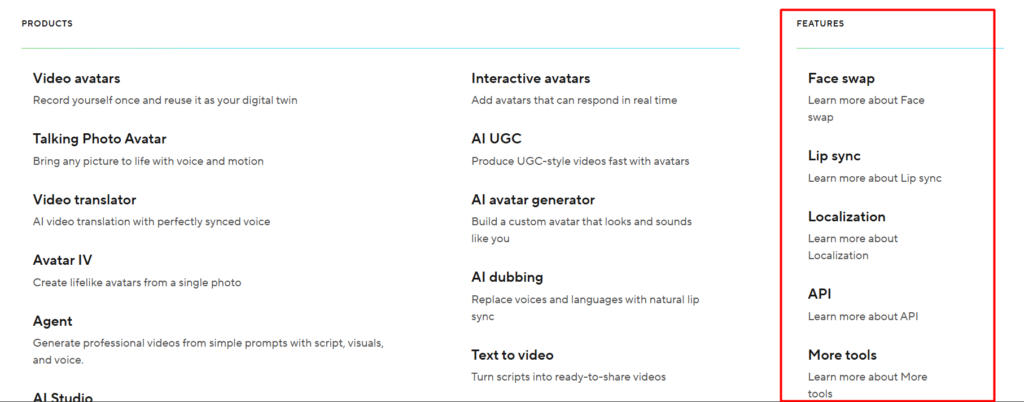
Here are the features that really stand out when you use HeyGen:
- Text-to-Video & Script-to-Video: You can write a script (or paste text) and HeyGen turns it into a full video with voice-over, visuals, and avatar animation. Great for product explainers, presentations, or social media clips.
- AI Avatars & Custom Avatars: Use pre-made avatars or upload a photo/video of yourself (or someone else) to create a custom avatar that can speak your script.
- Voiceovers, Multilingual & Localization Options: HeyGen supports many languages, so you can generate voiceovers in different languages , useful if you target a global audience.
- Templates & Media Library: Has a library of templates and stock assets to help you create videos quickly without sourcing external media.
- Flexible Output & Exports: You can choose video length (depending on plan), resolution (up to 1080p or higher depending on plan), and get a downloadable video ready to use.
- Works Without Prior Video Editing Skills: HeyGen allows you to create professional-looking videos even if you have zero video-editing experience , perfect for marketers, small businesses, educators, or solo creators.
HeyGen Pricing
Here’s a breakdown of HeyGen’s pricing , what you pay vs. what you get.
Because HeyGen offers a free plan, it’s easy to test out without risk. If you find value and use it regularly, upgrading to Creator or Business makes sense.
Pros and Cons of HeyGen
Pros
- Creates videos quickly and easily , no camera or editing skills needed.
- AI avatars and voiceovers make content feel professional, even for solo creators.
- Good for a variety of uses: marketing videos, social media, explainer videos, tutorials, training, ads.
- Supports multiple languages and localization , helpful if your audience is global.
- Flexible pricing options: you can start free, then scale up depending on your needs.
Cons / Limitations
- Free tier has limited credits and may be restrictive for heavy use.
- Some avatars or animations may still feel slightly “AI-generated,” especially if you expect hyper-realistic video.
- For teams or advanced features, costs can rise , might be high for small projects.
- You may need to experiment a bit to get the voice, lip-sync, and pacing right (especially for longer videos).
- Not a full-fledged manual video editor , for complex editing you might still need traditional video editing tools.
Alternatives to HeyGen
If HeyGen doesn’t quite match what you need, here are a few similar tools with different strengths:
- Synthesia: Another popular AI video generator that offers customizable avatars and multilingual video creation. Good for business presentations and training videos.
- Pictory: More focused on turning long-form content (articles, scripts) into videos. Good for content repurposing and summarizing.
- Lumen5: Great for social media videos and simple marketing clips. Easier for quick turnaround but with fewer avatar/voiceover capabilities.
- Self-hosted or traditional video editing + voice-over tools: If you want full control and maximum realism, using manual editing or hybrid workflows may still work better, though more time-consuming.
Each tool trades off between ease-of-use, realism, cost, and control.
Final Words
If you want to make videos without dealing with cameras, crews, or complex editing software , especially for marketing, social media, training, or quick content , HeyGen is a strong candidate. It’s user-friendly, flexible, and powerful enough for creators and businesses alike.
Starting with the free plan is a good idea: test it out, see how avatars and voiceovers turn out. If you like what you see and plan frequent video creation, upgrading makes sense.
For many creators or businesses, HeyGen offers a smart shortcut, saving time, effort, and money while still producing polished video content.

