
Have you ever typed out an email, looked at it, and thought, “I sound like a grumpy robot”? Or maybe you’ve spent twenty minutes trying to make a single sentence sound professional but not boring.
That’s the exact headache Wordtune tries to cure. It’s not just a spell-checker that yells at you when you forget a comma. Instead, it’s more like a creative partner that helps you find a better way to say what’s already in your head.
What is Wordtune?
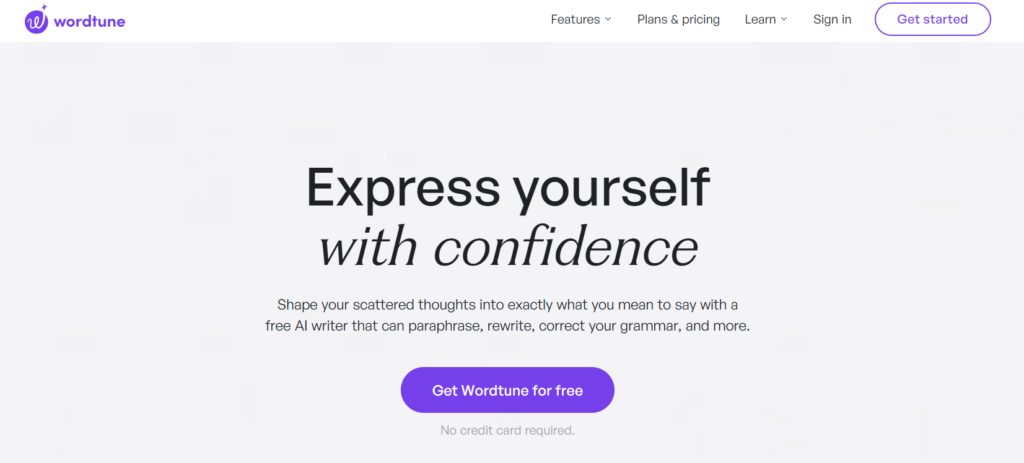
At its heart, Wordtune is an AI rewriter. It’s designed for anyone who needs to communicate clearly but feels like their writing is a bit “clunky.”
Think of it this way: if your writing is a house, Grammarly checks the plumbing and the wiring to make sure everything works. Wordtune is the interior designer who comes in and moves the furniture around so the room actually feels good to live in. It’s perfect for students, office workers, or anyone who wants to sound a bit more polished without needing a journalism degree.
How to Use Wordtune?
One of the best things about Wordtune is that it doesn’t feel like “work” to use. If you can use a mouse, you can use this.
- Get the Extension: Most people use it as a Chrome extension. Once it’s in, it just lives quietly in your browser.
- Highlight Your Text: When you’re in Gmail, Google Docs, or Slack, just highlight a sentence that feels “off.”
- Click the Logo: A little purple icon will pop up. Click it, and a list of suggestions appears right above your text.
- Browse and Swap: You’ll see 5 or 6 different ways to say the same thing. Some are shorter, some are fancier, and some are more casual. If you see one you like, just click it, and it replaces your old text automatically.
Key Features of Wordtune
I’ve used this tool for a while now, and these are the parts that actually save my skin on a daily basis:
- Rewrite Suggestions: This is the core. It doesn’t just swap words for synonyms. It actually understands the vibe of your sentence and rewrites the whole structure.
- The Tone Switch: This is huge. You can toggle between “Formal” (for your boss) and “Casual” (for your teammate). It’s great if you’re worried about sounding too stiff or too bossy.
- Shorten & Expand: If you have a word count limit, the “Shorten” tool is a lifesaver. It trims the fat without losing the meaning.
- Spices: This is a fun one. If you’re stuck, you can ask it to “add an analogy” or “make a joke.” It’s like a little spark of inspiration when your brain feels fried.
Pricing
Wordtune has shifted their pricing a bit lately, but here is the general breakdown:
| Plan Name | Price | Key Features | Best For |
| Free | $0 | 10 Rewrites per day | People who just send a few important emails. |
| Plus | ~$9.99/mo | 30 Rewrites per day | Students or occasional bloggers. |
| Unlimited | ~$14.99/mo | Everything unlimited | Power users and full-time writers. |
Pros and Cons
The Pros:
- It’s super fast. You don’t have to open a separate app; it works wherever you’re already typing.
- It sounds human. Unlike some AI tools that sound like a dictionary threw up, Wordtune’s suggestions usually sound like something a real person would say.
- The Translation Feature. You can write in a different language, and it will translate it into a natural-sounding English sentence.
The Cons:
- The Free Version is Stingy. Ten rewrites sounds like a lot, but you’ll burn through them in about five minutes.
- Internet Only. If your Wi-Fi goes down, Wordtune goes down with it.
- It can be “Too” Helpful. Sometimes it offers so many options that you spend more time picking a sentence than you would have spent just writing it yourself!
Alternatives to Wordtune
If you’re shopping around, here are a few other tools doing similar things:
- Quillbot: Probably the most famous alternative. It’s excellent for paraphrasing long paragraphs, though sometimes the flow isn’t as “human” as Wordtune.
- Grammarly Plus: Grammarly has added a “Go” feature that rewrites text. It’s solid, but Wordtune still feels a bit more creative in its suggestions.
Final Words
Is Wordtune worth it? If you find yourself constantly staring at your screen wondering if your email sounds rude or if your essay is too repetitive, then yes—absolutely. It’s a massive confidence booster.
I’d suggest starting with the free version. Use your 10 daily rewrites on the “scary” emails—the ones you’re nervous to send. If you find yourself wishing you had “just one more rewrite” every day, then the Unlimited plan is a great investment in your own voice.

